I've done the bootcamp. Where do I start?
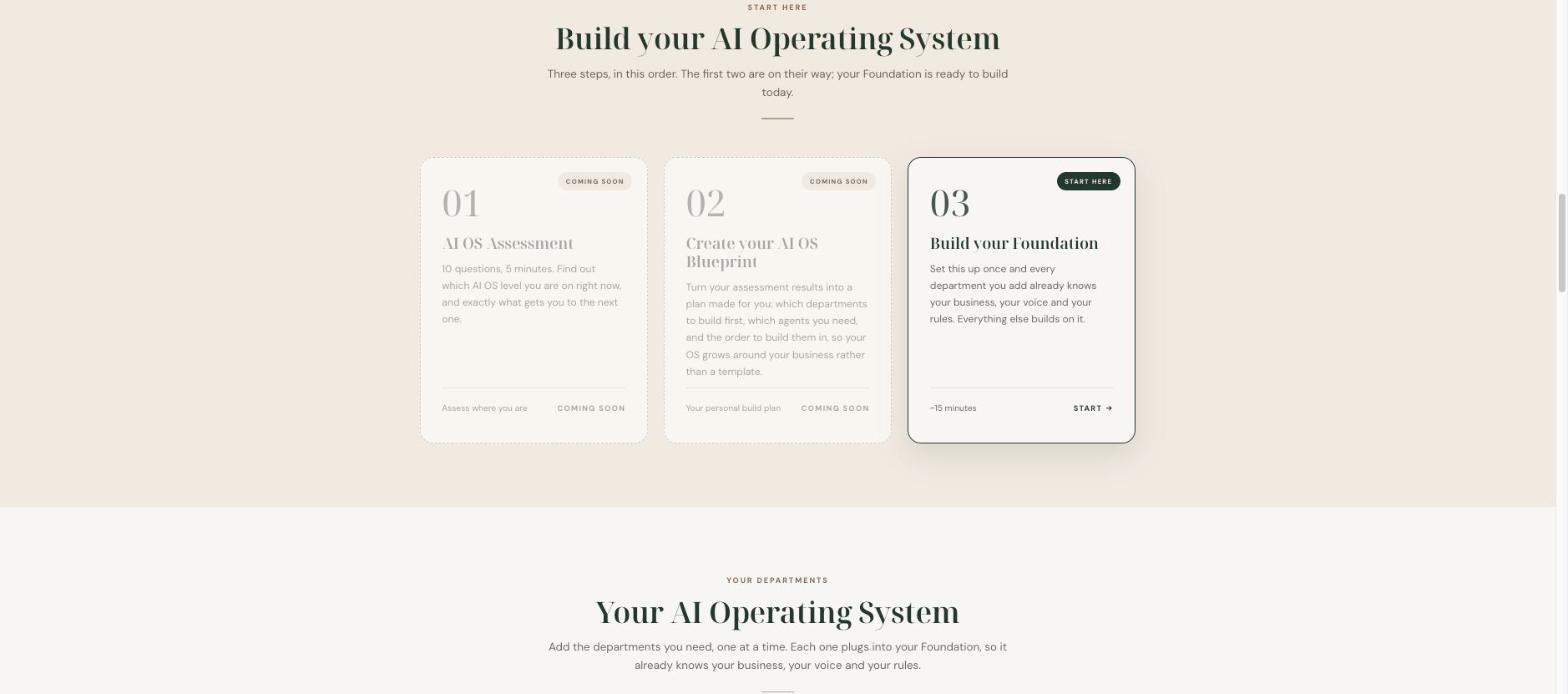
Bring your first build with you. The Hub's foundation organises its context and standards, then you add the next department. The work you have done already is your head start.
Membership, payments and terms
What am I committing to, and can I get a refund?
Every membership is 12 months, paid upfront each year or in four quarterly payments. You have a 7 calendar day cooling-off period from the date of your first purchase. To use it, email [email protected] within those 7 days from the email address you bought with, and we refund your payment. After the 7 days there are no refunds, including for unused time. If you pay quarterly, all four payments are due. Your membership renews automatically for another 12 months unless you cancel in writing at least 7 days before your renewal date.
Do you offer monthly payment plans or discounts?
No. There are no monthly plans and nothing shorter than 12 months. You pay upfront each year, or in four quarterly payments across your 12 months. We don't offer individual discounts or public discount codes, so everyone who joins at the same time pays the same price.
Why does paying quarterly cost more than paying yearly?
Paying upfront each year is the lower price, about two months free compared with paying quarterly. At November prices, four quarterly payments add up to A$4,408 + GST per year for Standard, compared with A$3,674 + GST paid upfront, and A$5,268 + GST per year for Pro, compared with A$4,389 + GST. Prices rise on Tuesday 1 December. Either way, it is the same 12-month membership.
Is there a free trial?
No. Instead, every new membership has a 7 calendar day cooling-off period from the date of purchase. If you want to look before you join, have a sneak peek inside the Hub or book a free AI Readiness Call.
Why is the membership 12 months?
The Hub is built to be set up one department at a time, at a pace that sticks, and 12 months gives you room to do that. It also lets us keep the system current as the AI models change, with the core training updated twice a year. And the community is stronger when members are in it for the year.
Will my price go up?
Not while you stay a member on the same plan. The price you join at is locked, including when you renew. If your membership lapses, or you cancel and rejoin later, you rejoin at the price at that time. If you upgrade to Pro, the Pro price at that time applies.
Can I upgrade, downgrade or change how I pay?
Standard to Pro: upgrade at any time in your 12-month term. It starts straight away, you are credited for unused time, you pay the difference at the current Pro price, and your term doesn't restart. Pro to Standard: takes effect at the end of your current 12-month term, and you keep Pro until then. Quarterly to annual: switch at any time. You are credited for unused time in your current quarter and pay the annual price, with a new 12-month term starting from the switch. Annual to quarterly: takes effect at the end of your current term. To change your plan, email [email protected].
How do I cancel?
Outside the cooling-off period, you can cancel in writing by emailing [email protected] or through the membership management page you receive in your onboarding. Cancel at least 7 days before your renewal date. Cancelling stops your membership renewing. It doesn't end your current 12-month term or any payments due in it, and your access continues to the end of the term. If you pay quarterly, you can cancel only after your fourth payment. There are no partial refunds for unused time.
Can I pause my membership?
Yes, once in each 12-month term, if your membership is in good standing. A pause is one block of one to three whole months. Ask in writing at least 7 days before your next billing date. Pauses aren't available in your first 90 days or in the last 60 days before renewal. Your access is paused, your term is extended by the length of the pause, and the total you pay stays the same.
Can I share my membership, or bring my team?
Each membership is for one person and can't be shared or transferred. If you're bringing a team of up to 10, each extra seat is 25% off, and for more than 10 we send a custom quote. A partner or spouse can also join as a second household membership at 25% off. Email [email protected] and we'll set it up.
Is there a Black Friday second-seat offer?
Yes, during Black Friday week. Each membership is for one person. When you join between Monday 23 and Friday 27 November, we email you a single-use code for 50% off one second seat, for your right-hand person. Their first year is half price, and it then renews at the full price it joined at. It is one second seat per membership, and the offer closes at 11:59pm Friday 27 November (AEDT, Sydney time). New Hub memberships in that window also get the Content Creator Pack.
What currency are prices in, and is GST included?
All prices are in Australian dollars and exclude GST. GST is added only for customers in Australia. If you're outside Australia, the price shown is the price you pay.
What's inside
What do I get, and is it all available now?
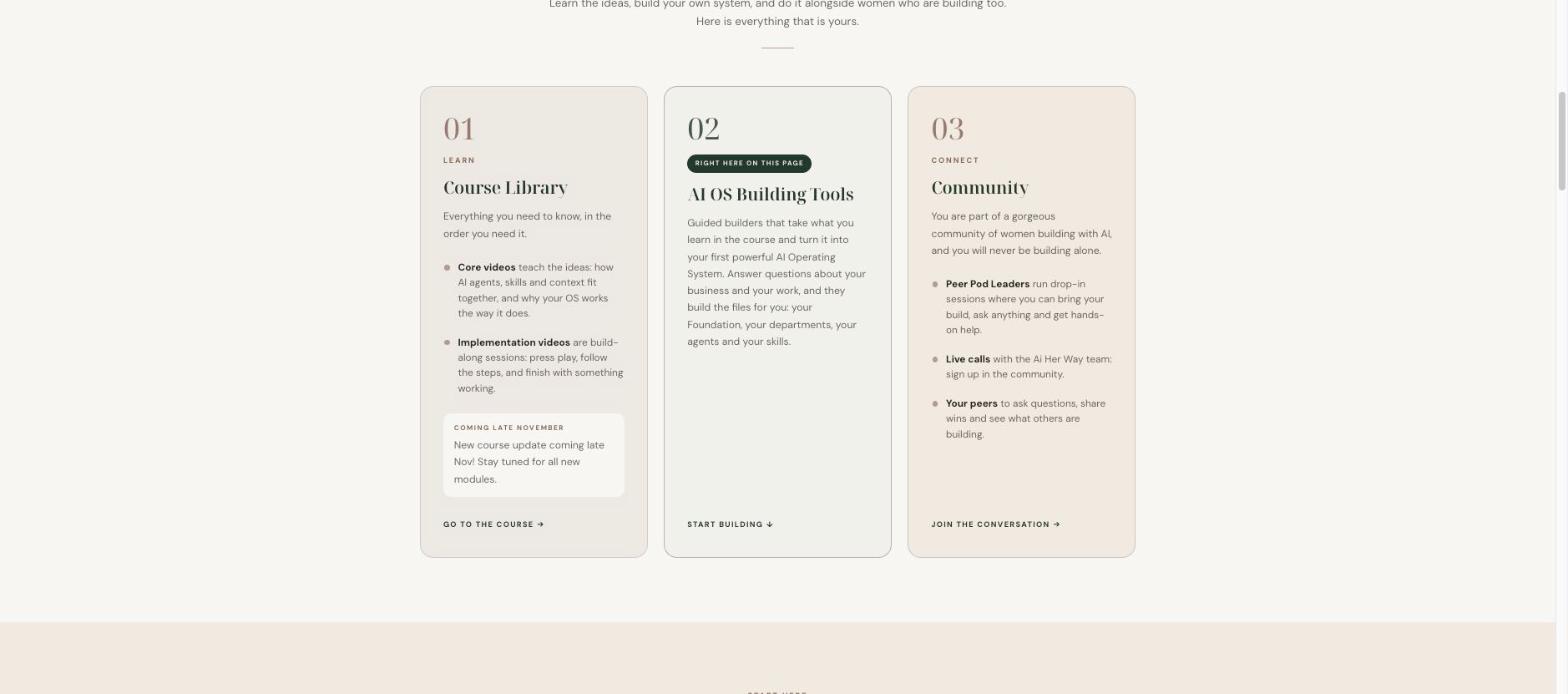
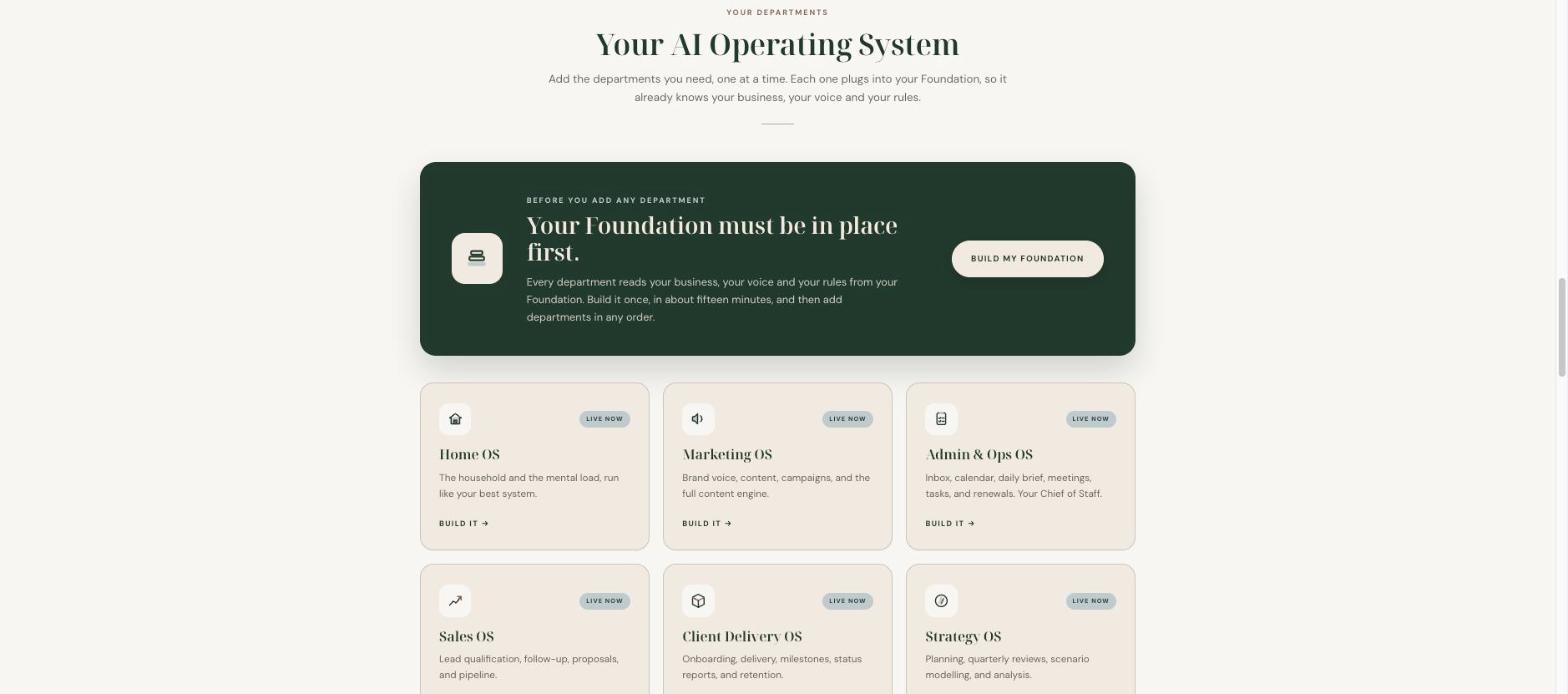
You get the course library, the AI operating system tools, the companion guides, the events calendar, The Collective community and the member wiki. The course runs from Start Here through four levels: User, Integrator, Architect and Orchestrator. There are ten operating systems with more than 150 ready-made skills: Foundation, Marketing, Admin and Operations, Sales, Client Delivery, Strategy, Finance and Legal, Home, Scaling and Exiting, and the Orchestrator, which connects your departments. All ten are released and ready to install. New skills and workflows keep being added, and the core training is updated twice a year. Have a sneak peek inside the Hub.
Will you build it for me?
It arrives prebuilt, and you make it yours. The tools build your system from a short survey. You bring your business context, make the decisions and set the rules for what comes back to you. That is why the system fits your business and why you can run it yourself afterwards.
I've tried other AI programs. How is this different?
Many AI programs teach you tools, give you prompts and show you tricks. Often, little changes in the business. The Hub helps you redesign how the work gets done. You finish with an operating system that takes work off your plate.
What's the difference between Standard and Pro?
Standard is the complete operating system for one business owner: the curriculum, all ten operating systems and the tools, Peer Pods, a monthly onboarding call and The Collective. Pro adds the monthly live Build Club (two time slots, recorded), a monthly live Q&A with the Ai Her Way team, the quarterly AI Showcase with Nici, Pro-only resources such as the GitHub guide, and priority support in The Collective. If it's just you, Standard is everything you need. Choose Pro if you work with other people or want to use more than one AI model.
What will AI tools cost on top of my membership?
You need one AI tool that can read a folder on your computer: a paid Claude plan with the Claude desktop app or Claude Code, or a paid ChatGPT plan with Codex. Most members spend around $30 to $50 a month on it, paid to the AI company, not to us. Free plans, and AI tools you only use in a browser, can't reach a folder on your computer.
I use Copilot or Gemini. Will the Hub work for me?
The concepts work on any platform, but the practical videos are in Claude Code and Codex, and we don't teach setup for other tools. To follow along step by step, you'll need a paid Claude or ChatGPT plan.
What happens when the AI tools change?
Your context, skills and standards live in your own files, so they move with you. The core training is updated twice a year as the models change.
When are the live sessions, and what if I'm in a different time zone?
Peer Pods, led by members, run every week across time zones. The Pro Build Club runs monthly in two time slots: one for Australia and Asia-Pacific, and one for the UK, Europe, the Middle East and Africa. Sessions are recorded, so you can catch up if you can't make it live. Dates are in the Hub's events calendar.
What does support look like?
Support is through The Collective, our member community, Monday to Friday during Australian business hours. It's written support, not a live video call, and other members often answer first. Peer Pods are usually the quickest help when you're stuck mid-build. Pro members get priority support.
Can I use the Hub with my own clients?
Yes, for your own work. You can use your Hub system and skills to do work for clients and give them the outputs: reports, content, strategy, documents. What you can't do is give a client the system itself, such as a copy of your files or skills, or build them an operating system from Hub materials that they own and run. If a client wants their own setup, they're welcome to join the Hub.
Is there a certification?
Not yet. There is no formally accredited certification, but certification pathways are being built.
Is it right for me?
Is the Hub only for women?
No. The Hub welcomes everyone, and you don't have to identify as a woman to join. Ai Her Way is female-led, and much of our content and culture has a strong women's empowerment focus, which our members value.
Does it work for my industry?
Yes. The Hub is for any business owner or professional who wants AI to take on more of the work, not only online businesses. If tasks in your business are repetitive, time-consuming or could be systematised, the Hub shows you how to hand them over. It isn't built for developing software or training AI models.
Is this a mastermind or a coaching program?
No. There's no pressure to share, pitch or show up live every week. It's an implementation membership with a community around it. You don't have to be "on". You just have to be building.
Can I talk to someone before I join?
Yes. Book a free AI Readiness Call with one of our AI Readiness Guides, or email [email protected] with your questions.